105
105
If you are using the Zoom Workplace desktop application, your session length will be limited to a maximum of 40 minutes unless you log in using SSO.
This article will guide you through the SSO login process. Screenshots are provided with the relevant items circled in RED.
To begin, open the Zoom Workplace desktop application. If you are currently logged in through another method, please log out using the account menu located at the top right of the window.
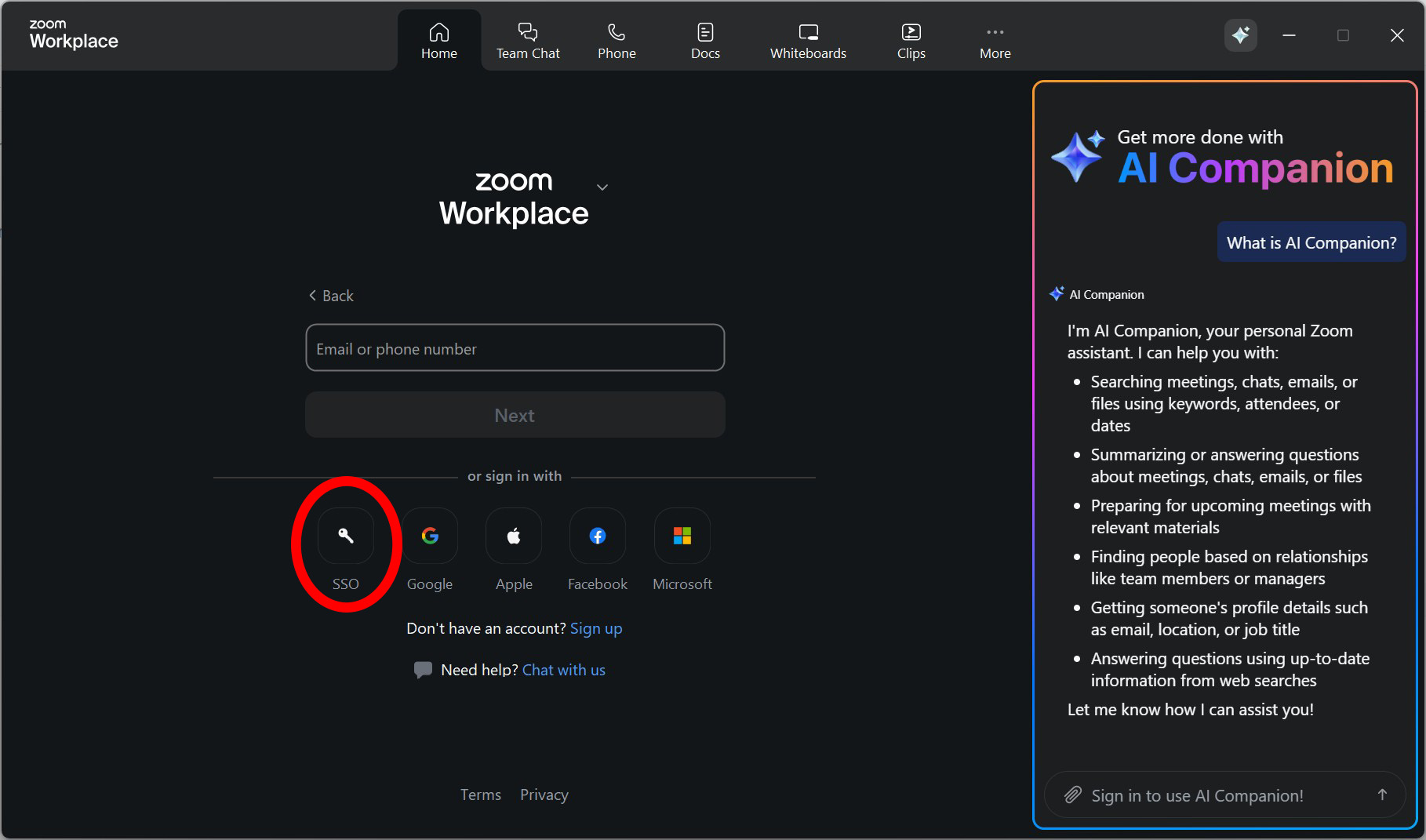
At the login screen, select SSO.
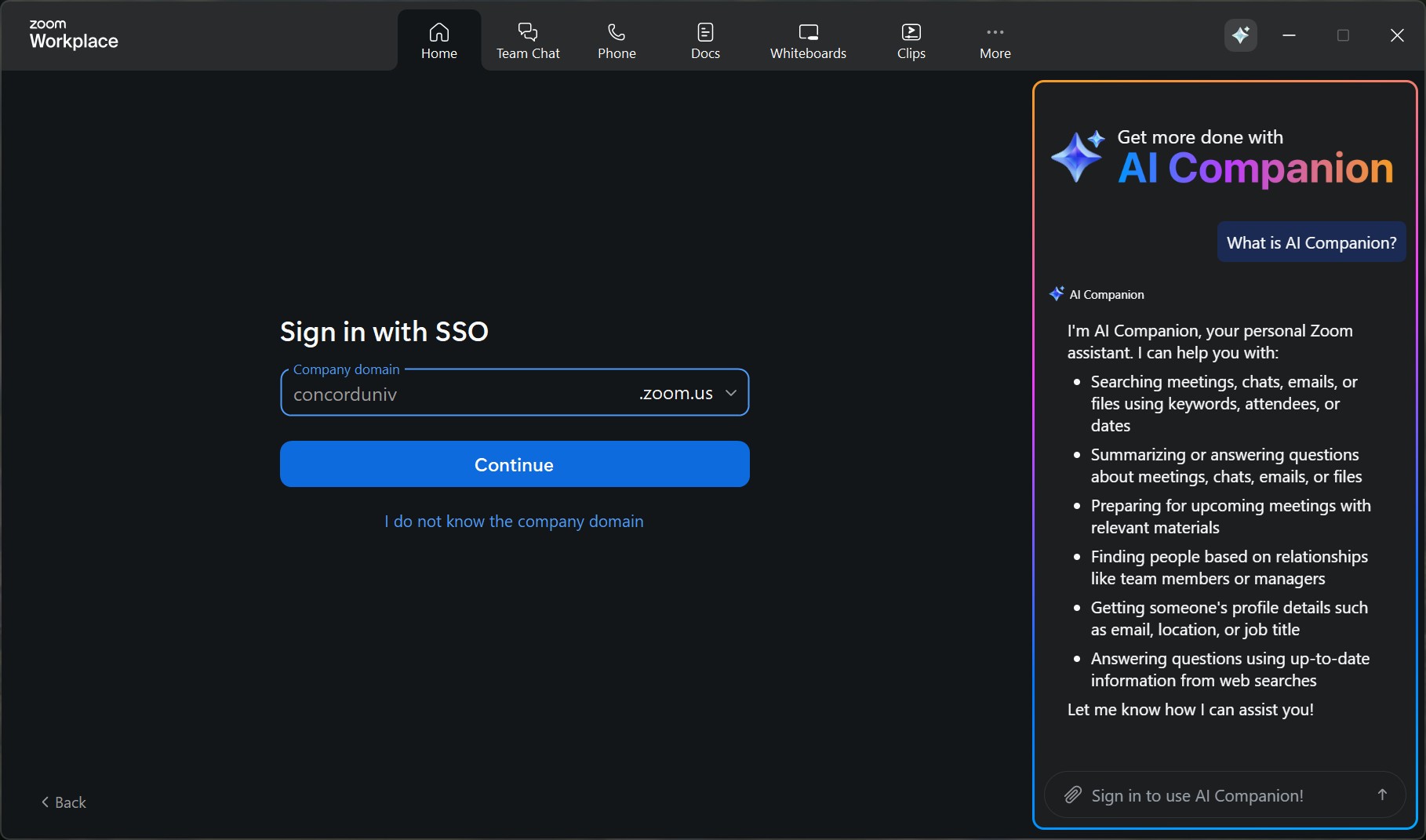
You will be prompted to enter the company domain, which is concorduniv.zoom.us.
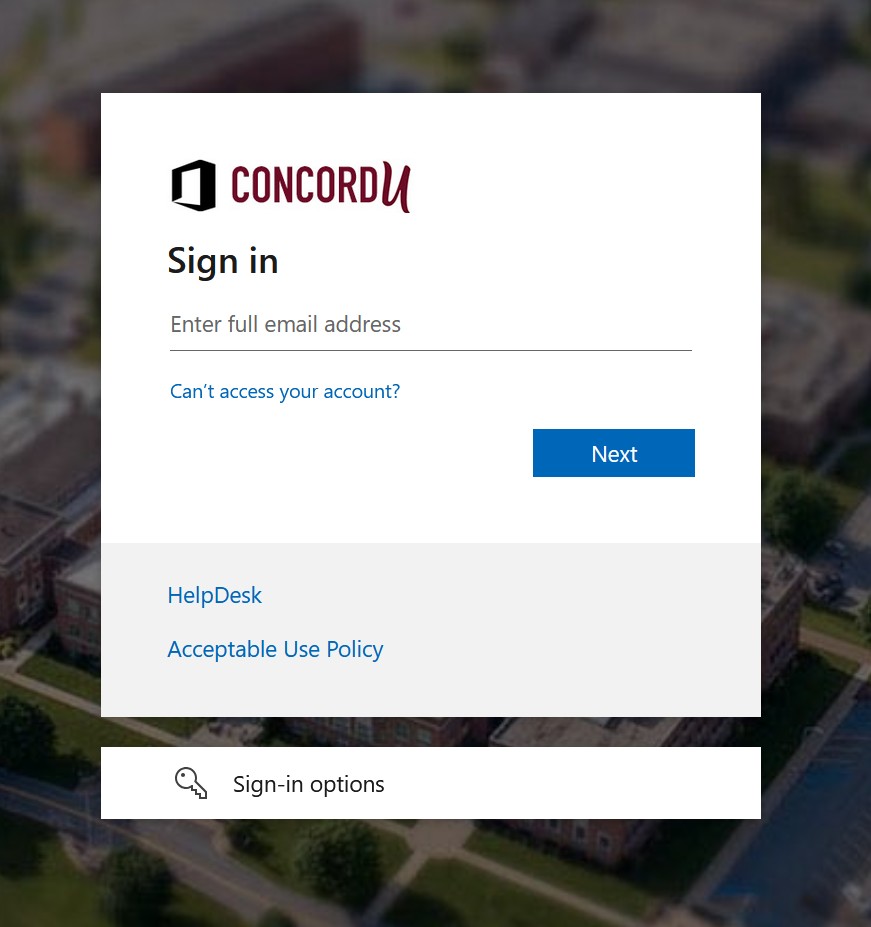
After selecting Continue, a web browser window will open and prompt you to sign in with your Concord account.
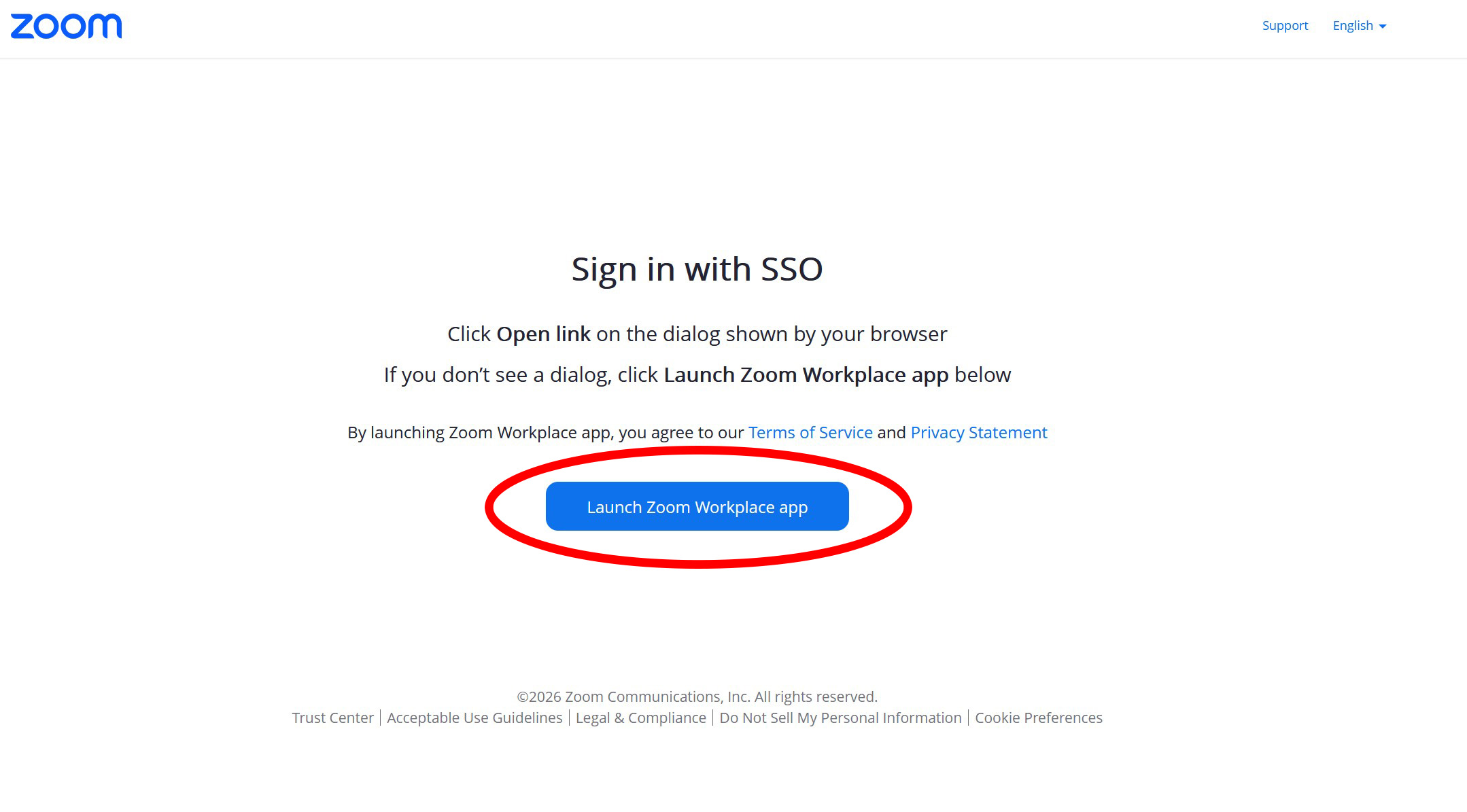
Finally, select Launch Zoom Workplace app to complete the login process.